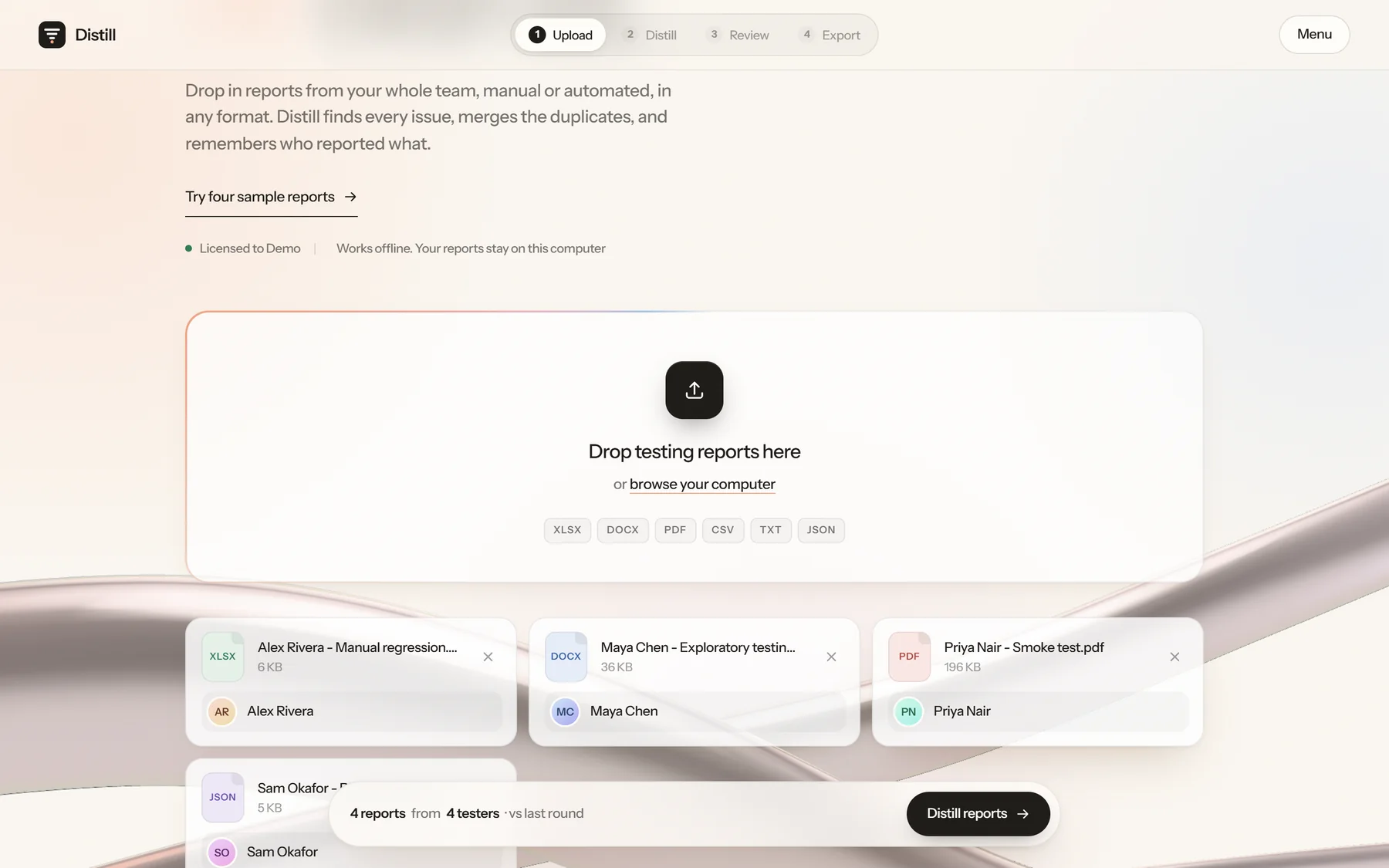
The formats Distill reads
- Excel and CSV: the header row is found by itself (description, title, area, severity, status…), ID columns are ignored, and rows marked passed, fixed, closed or verified are skipped.
- Word: Heading 1 becomes the area, Heading 2 the title, and bullets or numbered lines become issues. Sections like “What worked” or “Checklist” are left out. Pictures stay with the issue above them.
- PDF, text and Markdown: each bullet starts an issue, short lines become titles or areas.
- Playwright JSON: each failed or timed-out test becomes an issue, with the error and stack kept as the test log.
- Severity written in a column or as “(HIGH)” after a title is kept; steps to reproduce and expected results are picked up from their own columns or from the text.
Every tester keeps the credit
Each file is tagged with the tester who wrote it. When four people report the same bug, the merged issue lists all four, with what each of them wrote, where (row, page or test) and their screenshots. The Excel summary shows who found what and where the bugs cluster, which makes sprint reviews and test reports much easier to write.
Step by step
- Collect the filesAsk testers to send their reports as they are. No shared template needed.
- Add them to DistillDrag them in and check the tester name on each (taken from the file name, like “Alex Rivera - Manual regression.xlsx”).
- DistillThe AI groups the duplicates in seconds. Problems with a file (say, an empty sheet) are listed without stopping the others.
- Review and exportApprove the groups, set severities, then export the master list.
What you hand over
A finished Excel report with a Summary sheet (counts, issues by severity, by area and by tester), the Master list, Every report grouped by issue, the Evidence with the screenshots embedded, and, if you compared with last sprint, what was Fixed since last round. Or an evidence pack: one folder per issue and a Report.html page that opens in any browser. Or a CSV for Jira or Azure DevOps, or a script that creates GitHub issues.
Sprint over sprint
Add last round’s master list (or your Jira or Azure DevOps bugs) and every issue is marked New, Still open or Fixed. The Fixed ones get their own sheet in the export, so the regression story writes itself.
Questions
Do testers need Distill too?
No. Only the person who combines the reports, usually the QA lead, needs it. Testers keep using Excel, Word or whatever they use today.
Can I mix manual and automated results?
Yes. A Playwright failure and a manual report of the same bug land in the same group, so you see both sides of it.
What if a file can’t be read?
Distill tells you which file and why, and carries on with the others. A broken file never stops the round.