Where duplicates come from
Two testers find the same bug in the same sprint. A bug that was filed last month is found again. An automated test fails on something a person already reported. Jira’s “similar issues” hints look for shared words, so reports written differently slip through, and by then the ticket already exists.
Check before you file
- Export your open bugs from JiraIn Jira, search for the open bugs of the project and use Export, then the CSV option. Azure DevOps query results export to CSV the same way.
- Add the reports and the backlog to DistillAdd this round’s test reports as usual, and the Jira CSV as last round’s list.
- See what’s new and what’s filedDuplicates within the round are merged first. Then every issue is matched against the backlog: New, or Still open with the Jira key it matches.
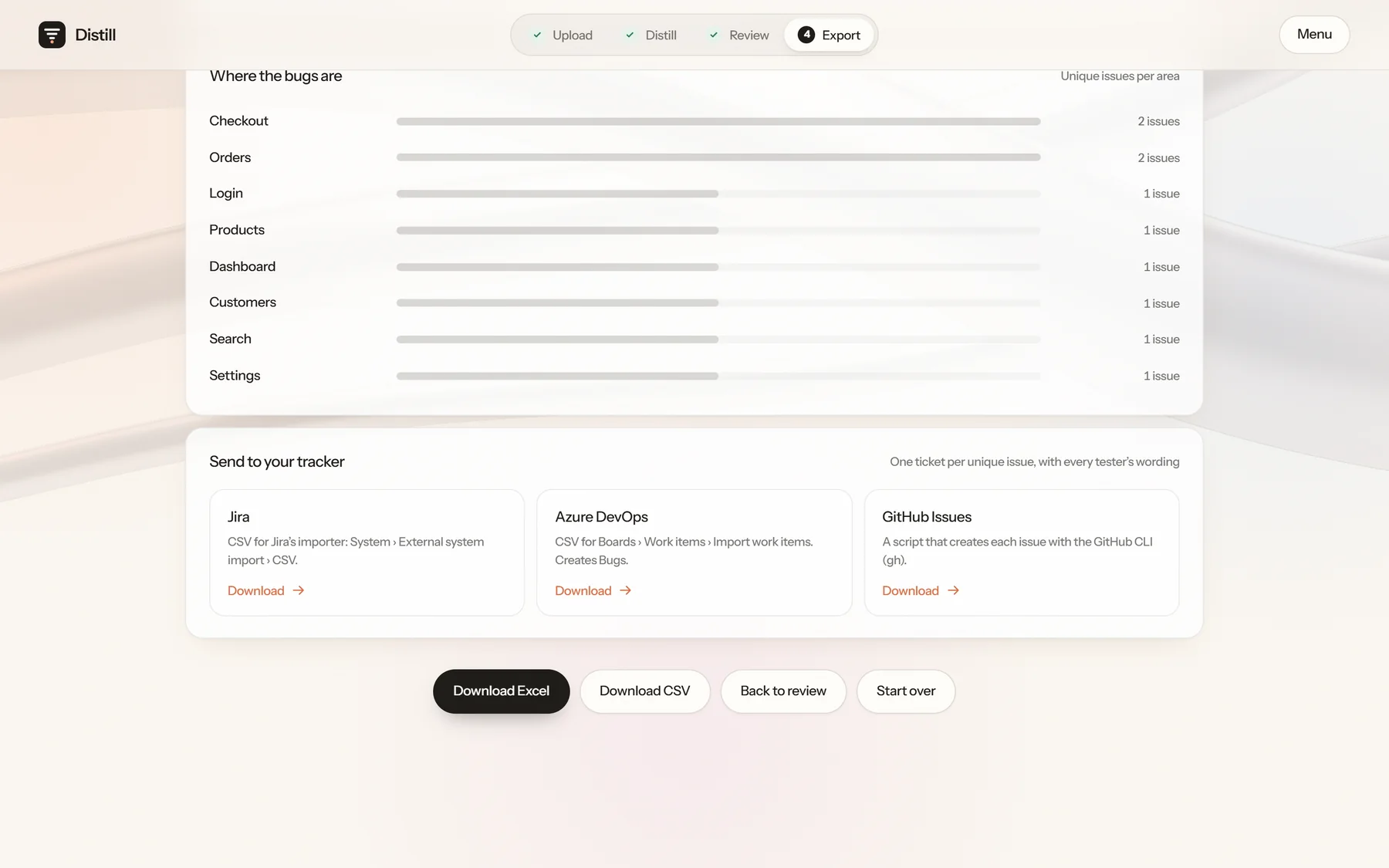
- Export two filesNew issues go into a CSV for Jira’s importer. Issues already filed go into a separate “Jira: update existing” CSV (Issue key and a comment with the new reports), so the existing ticket gets the new evidence instead of a duplicate.
Why files instead of a Jira connection
Distill never connects to Jira. There is no API token to approve, no admin to ask and no data leaving your computer: you export a CSV, Distill reads it offline, and you import the result with Jira’s own CSV importer (map “Issue key” for the update file). That also makes it work with Jira Cloud, Jira Data Center and air-gapped installs alike.
Azure DevOps and GitHub too
The same check works with an Azure DevOps export, and the master list exports as an Azure DevOps CSV or as a script that creates GitHub issues with the gh command-line tool. Every exported issue carries every tester’s name, steps and evidence.
Questions
Does Distill need access to our Jira?
No. It only reads a CSV you export and writes CSVs you import. Nothing connects to Jira and nothing leaves your computer.
How does it decide a report is already filed?
The same way it finds duplicates: the AI compares meaning, words and area, and only calls it the same as an existing ticket when it is likely enough. You can unlink any match before exporting.
Can I use it with Jira Data Center?
Yes. It only uses CSV export and import, which every Jira edition has.